
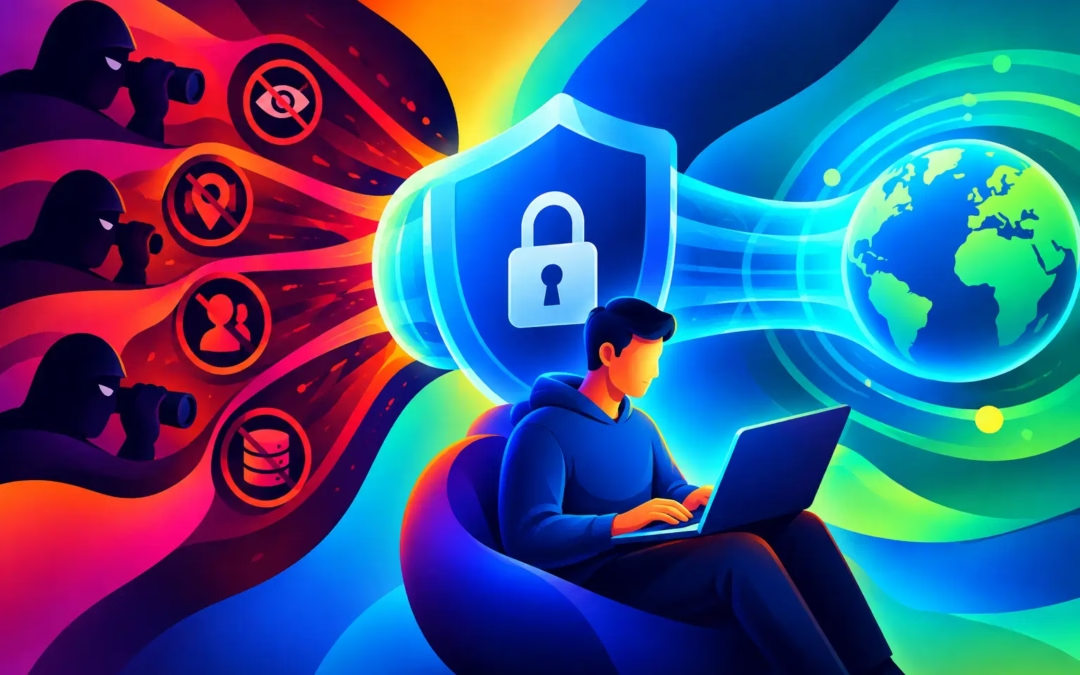
Your internet service provider sits between your devices and the wider internet. Every site you visit, app you use, search you make, and stream you watch must pass through its network first. That gives your ISP a clear view of more than most people realize. If you want to prevent ISP tracking with VPN protection, the goal is simple: encrypt your traffic before it leaves your device so your provider cannot easily inspect where that traffic is going.
A VPN is not a magic invisibility cloak, and any service that claims otherwise is overselling. It is, however, one of the most practical tools for taking back control of your online privacy. With the right settings and habits, it can hide your browsing destinations from your ISP, protect your identity on public Wi-Fi, and make everyday browsing feel far less exposed.
What Your ISP Can See Without a VPN
Without a VPN, your ISP can see the IP addresses your device connects to. That often reveals the websites and services you use, even when the site itself uses HTTPS encryption. HTTPS protects the content of the page, such as passwords, messages, and payment details. It does not fully hide the fact that your device connected to a particular online destination.
Your provider can also see when you are online, how long your sessions last, and roughly how much data you use. That can paint a surprisingly detailed picture of your habits. A late-night connection to a health site, regular visits to a financial platform, or hours spent on a streaming service all create metadata that says something about you.
Depending on where you live and the provider’s policies, this information may be retained, used for network management, or shared when legally required. Some providers may also analyze activity for advertising or commercial purposes where local rules permit. Your browsing history should not be a product or an open book.
How to Prevent ISP Tracking With a VPN
A VPN creates an encrypted tunnel between your device and a VPN server. Instead of your ISP seeing a direct connection from your phone, laptop, or tablet to each website, it sees encrypted traffic traveling to the VPN server.
From there, the VPN server connects to the internet on your behalf. Websites see the VPN server’s IP address rather than your home IP address. Your ISP can still see that you are using a VPN, along with the time you connect and the amount of data moving through the connection. But it cannot normally see the individual sites, searches, or services inside that encrypted tunnel.
Think of it as putting your internet activity into a locked vehicle before it travels across your provider’s network. The provider can see the vehicle on the road, but it cannot casually look inside at every stop you make.
That difference matters whether you are checking email at home, paying bills on a coffee shop network, streaming while traveling, or simply browsing topics you would prefer to keep private. A VPN replaces unnecessary exposure with 256-bit encrypted protection.
Choose a VPN That Protects More Than Your IP Address
Not every VPN offers the same level of privacy. A low-cost service should still provide the essentials: strong encryption, a clear no-log policy, dependable server options, and a kill switch.
Encryption protects the data traveling between your device and the VPN server. A no-log policy means the provider states that it does not keep records of your browsing activity that could later be tied back to you. The distinction is crucial. Moving your trust away from an ISP only helps if your VPN provider treats your privacy seriously as well.
A kill switch is equally valuable. If a VPN connection drops unexpectedly, your device could briefly reconnect through your normal ISP connection. That moment may expose your IP address or traffic destination. A kill switch blocks internet access until the secure VPN tunnel is restored, helping keep accidental leaks from ruining your privacy plan.
Surf Smart VPN combines 256-bit encryption, a stated no-log policy, global server locations, and kill-switch protection in one affordable subscription that can cover up to six devices. Protection should not be reserved for people with an enterprise security budget.
Turn It On Before You Browse
The most effective VPN is the one you actually use. Install the app on every device that connects to the internet regularly: your computer, phone, tablet, and any other compatible personal device. Sign in, select a server, and connect before opening a browser or launching data-heavy apps.
For daily privacy, a nearby server is often the best choice. It typically offers faster speeds because your traffic has less distance to travel. If you need to access content available in another region, connect to a server in that location. Your apparent IP location changes, while your traffic remains encrypted between your device and the VPN server.
If your app offers auto-connect, enable it for untrusted networks and public Wi-Fi. That way, you do not have to remember to activate protection each time you sit down at an airport, hotel, library, or café. Public hotspots are convenient, but they are not places to gamble with your passwords, financial details, or private conversations.
Check for Leaks and Weak Settings
A VPN connection can be undermined by poor configuration. The most common weak points are DNS leaks, an inactive kill switch, and apps that connect before the VPN is active.
DNS is the system that translates a website name into the numerical address your device needs. If DNS requests travel outside the VPN tunnel, your ISP may still learn which domains you are trying to reach. Use a VPN app that routes DNS requests through its encrypted connection, then make sure its DNS leak protection is enabled if the setting is available.
It is also wise to test your setup occasionally. After connecting, verify that your visible IP address reflects the VPN server rather than your home network. Test after app updates, operating-system updates, and changes to Wi-Fi settings. Privacy tools work best when they are treated like seat belts: switched on before the journey, not after something goes wrong.
What a VPN Cannot Hide From Everyone
A VPN gives you meaningful privacy from your ISP, but it does not erase every trace of your online identity. If you sign in to a social media account, online store, or search engine, that service can still associate your activity with your account. Cookies, browser fingerprinting, device identifiers, and trackers can also follow you across sites.
To reduce that exposure, use privacy-focused browser settings, clear unnecessary cookies, limit app permissions, and avoid signing in when you do not need to. Consider separate browser profiles for work, shopping, and personal browsing. A VPN protects the connection. Your account choices and browser behavior still matter.
A VPN also does not make illegal activity legal, and it cannot promise absolute anonymity against every possible investigation. It is a consumer privacy tool, not a license to ignore laws or platform rules. The strongest approach is honest: use a VPN to keep routine browsing private, secure your data on risky networks, and reduce the amount of information exposed by default.
Speed, Streaming, and the Privacy Trade-Off
Encryption adds a small amount of overhead, so a VPN may sometimes reduce connection speed. The impact depends on your original internet speed, server distance, server load, and the protocol your VPN uses. For most browsing, shopping, messaging, and HD streaming, a quality service should feel fast enough for normal use.
If performance slows down, start by choosing a closer server. Disconnect and reconnect to a different server in the same region if necessary. Avoid treating the farthest possible location as automatically more private. A nearby server still encrypts your traffic and hides your browsing destinations from your ISP, while often delivering a better experience.
For streaming, server choice can matter because platforms may have different catalogs by region. For torrenting, a VPN adds privacy by masking your home IP address from peers, but you should always respect copyright law and use legal sources. Privacy and responsible internet use belong together.
Make Private Browsing Your Default
The best time to protect your connection is before your ISP has a record of your next click. Set your VPN to connect automatically, keep the kill switch enabled, and use it across the devices that carry your personal life. A 24-hour free trial is a practical way to test how protection fits into your routine before committing.
Your ISP provides the road to the internet. It does not need a front-row seat to every destination you choose. Put encryption between your life and the network, then browse, stream, shop, and connect with more confidence.