
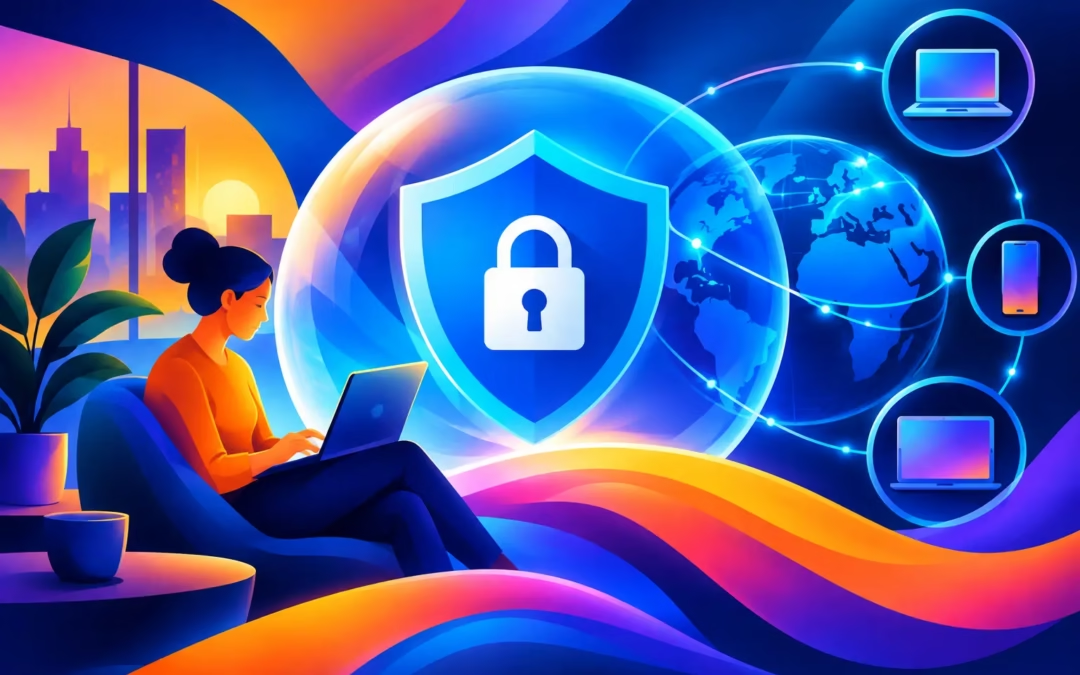
Your office may be a kitchen table, a hotel room, or a corner booth with free Wi-Fi. That flexibility is useful, but it also creates more chances for your work data, logins, and online identity to be exposed. A VPN for remote work puts a private, encrypted tunnel between your device and the internet, helping you work with more confidence wherever the day takes you.
It is not a magic shield against every cyber threat. It will not stop you from entering a password into a fake website or opening a dangerous attachment. What it can do is make it far harder for strangers on the same network, internet providers, and other unwanted observers to see the traffic leaving your device. For remote workers who handle email, documents, meetings, and client accounts outside a traditional office, that protection matters.
Why remote work needs a private connection
Working from home does not automatically mean working on a private network. A home router can have outdated software, a weak password, or settings that were never checked after installation. Shared housing adds another layer of uncertainty. If multiple people use the same network, you do not control every device connected to it.
Public Wi-Fi raises the stakes further. Airport lounges, coffee shops, hotels, coworking spaces, and conference venues make it easy to get online, but convenience can attract criminals too. A fake hotspot with a familiar-looking name, such as “Hotel Guest Wi-Fi,” can be used to lure people into connecting. Even a legitimate public network may be poorly secured.
A VPN encrypts the connection between your device and the VPN server. That means the data moving through that tunnel is scrambled for anyone trying to inspect it along the way. Your visible IP address is also replaced with the VPN server’s address, making it more difficult for websites and network operators to tie routine browsing activity directly to your location and connection.
For many remote workers, the benefit is simple: fewer loose ends. You can check project files from a café, join a video call from a hotel, or send a client update from home without leaving your traffic exposed on the local network.
What a VPN for remote work actually protects
A VPN is most valuable when you understand its job. It protects the path between your device and the VPN server. This helps prevent local network snooping, reduces IP-based tracking, and adds meaningful privacy when you connect through networks you do not fully trust.
That protection is especially useful for everyday work activity: accessing web-based email, signing in to cloud storage, reviewing invoices, using project management tools, or communicating with clients. Encryption helps keep the details of your connection private from people who may be watching the network.
A quality VPN should also include a kill switch. If the VPN connection drops unexpectedly, a kill switch blocks internet traffic until the encrypted connection is restored. Without it, your device could quietly reconnect through your regular network, exposing your IP address at the exact moment you assumed you were protected.
A no-log policy matters as well. Privacy should not mean moving your activity from one observer to another. Look for a provider that states it does not keep logs of your browsing activity, so your private work sessions stay private.
Still, be clear about the boundaries. A VPN does not make a hacked account safe, remove malware from your device, or override your employer’s security rules. Use strong, unique passwords, turn on multi-factor authentication, keep software updated, and confirm unexpected requests through a second channel. Think of a VPN as an essential layer in your digital security routine, not the entire routine.
How to choose the right remote work VPN
The cheapest option is not always the best value, but expensive enterprise tools are not the only safe choice either. For personal remote work, freelancing, travel, and hybrid schedules, focus on the features that protect your actual day-to-day connections.
First, make sure the VPN uses strong encryption. 256-bit encryption is a widely trusted standard that helps keep intercepted traffic unreadable. Next, check whether it offers a kill switch and a clearly stated no-log policy. These are not flashy features, but they are the ones that protect you when a connection becomes unstable or when privacy is the point.
Server coverage affects both privacy and convenience. A choice of global server locations can help you find a nearby server for better speed, or connect through another location when you are traveling and need access to services that are normally restricted by region. For work, however, choose the closest practical server first. It often delivers a better balance of speed and protection.
Device support is equally important. Your work may move between a laptop, phone, tablet, and home desktop in a single week. A subscription that covers up to six devices means your protection does not disappear when you switch screens. It also helps protect the personal device you use to check work messages after hours.
Finally, test performance before you commit. Encryption can add a small amount of overhead, and a distant server can increase latency. This is usually manageable for browsing, email, and documents, but video meetings, large uploads, and remote desktop tools can be more sensitive. A 24-hour free trial gives you a chance to test the VPN on your real work apps, on your normal network, before making a decision.
Set up your VPN before you need it
The worst time to configure security is when you are already rushing to join a meeting. Install your VPN on every device you use for work, sign in, and connect to a nearby server while you are at home. Then confirm that your email, cloud storage, video conferencing, and collaboration tools work as expected.
Turn on the kill switch if it is available in the app settings. This is particularly valuable on public Wi-Fi, where a brief dropout should not turn into an unprotected connection. If your VPN offers automatic connection on unfamiliar networks, enable it. That way, you are less likely to forget protection when you connect at an airport or café.
You should also understand your employer’s policy. Some organizations require workers to use a company-managed VPN to reach internal systems. In that case, follow the required process. A personal VPN may still be useful for protecting general browsing and personal accounts, but do not use it to bypass company controls or access restrictions.
Public Wi-Fi rules worth following
A VPN makes public Wi-Fi safer, but it should not encourage careless behavior. Before connecting, ask staff for the exact network name rather than choosing the first hotspot that looks legitimate. Avoid networks that demand excessive personal information just to connect, and turn off automatic Wi-Fi joining on your devices.
Once connected, activate your VPN before opening work apps or signing into accounts. Keep file sharing and AirDrop-style discovery features off when you do not need them. If a task involves highly sensitive data, such as financial records, health information, or confidential client files, your phone’s personal hotspot may be a better choice than a crowded public network.
Do not ignore browser warnings, certificate alerts, or login pages that look slightly different from normal. Encryption protects your connection, but it cannot make a fraudulent website trustworthy. Cybercriminals count on rushed workers, especially while they are traveling or trying to meet a deadline.
Privacy without slowing down your workday
Some people avoid VPNs because they worry every connection will become painfully slow. The reality depends on your distance from the server, the quality of your underlying internet connection, network congestion, and the task you are performing. A nearby server and a fast provider usually keep ordinary work activity running smoothly.
If a video call stutters, try a server closer to your physical location. If you are on weak hotel Wi-Fi, the hotel network may be the real bottleneck. Disconnecting the VPN may improve speed, but it also removes the protection you wanted in the first place. Test another server before giving up on privacy.
Surf Smart VPN brings 256-bit encrypted connections, a kill switch, no-log privacy, global server options, and coverage for up to six devices into one affordable service. It is a practical way to keep your remote work connection private without turning cybersecurity into another full-time job.
Your work should be flexible, not exposed. Set up your VPN before the next trip, the next café session, or the next unexpected Wi-Fi outage, then get on with the work that matters.