
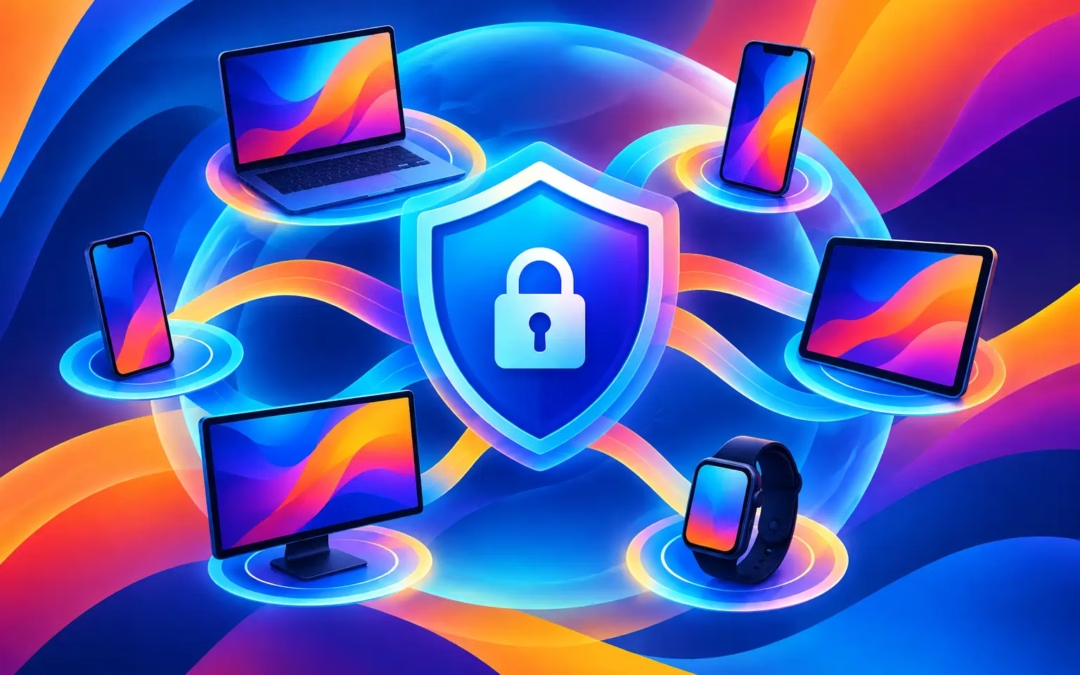
Your online life does not stay on one screen. You might check bank balances on your phone, work from a laptop, stream a game on your TV, and shop from a tablet – sometimes all in the same evening. A VPN for six devices gives those everyday connections a single layer of protection, without asking you to buy separate plans for every piece of tech you own.
That matters whenever personal data leaves your device. Public Wi-Fi networks, advertisers, trackers, hackers, and other third parties can all create exposure you did not ask for. A VPN encrypts your internet traffic and masks your IP address, helping you browse, stream, communicate, and connect with more control over who can see what you do.
Why six-device VPN coverage makes sense
Most people do not think of themselves as heavy tech users. Yet the device count adds up fast: a smartphone, personal computer, work computer, smart TV, tablet, streaming stick, or gaming console. Even a one-person household can easily use more than two connected devices.
A plan that covers six devices gives you room to protect the devices you actually use rather than constantly signing out to make space. It also keeps your privacy setup simple. One subscription, one account, and protection available wherever your day takes you.
Six simultaneous connections can also work well for couples, roommates, and small families. One person can stream at home while another works from a coffee shop and someone else uses a phone on mobile data. The key is to check whether the provider counts simultaneous connections, installed apps, or both. For most consumer VPN plans, the important number is how many devices can be actively connected at once.
What a VPN protects across your devices
A VPN creates an encrypted tunnel between your device and the VPN server. Instead of sending your traffic across the internet in a form that may be easier to observe on an unsecured network, encryption helps keep it private from prying eyes.
The practical benefit changes slightly by device, but the need for privacy does not.
On your phone
Your phone carries an extraordinary amount of personal information: messages, location signals, account logins, payment apps, and photos. Connecting to airport, hotel, cafe, or mall Wi-Fi without protection can leave you exposed to risks you cannot see. A VPN helps protect traffic on those networks and hides your home IP address from sites and services you visit.
On laptops and desktop computers
Work files, online banking, tax documents, and shopping accounts all pass through your computer. Whether you work remotely or simply manage your life online, encrypting that connection is a sensible extra safeguard. It is particularly valuable when you work away from home or share Wi-Fi with people you do not know well.
On tablets and smart TVs
Tablets are often overlooked because they feel casual, but they still connect to email, cloud storage, social accounts, and shopping services. Smart TVs and streaming devices create a different kind of privacy concern: they reveal viewing habits and connect to services that may be limited by region.
A VPN can help you access content while traveling or explore services available in other locations, subject to the streaming platform’s terms and local laws. Server choice matters here. A nearby server may be best for speed, while a server in another supported location may be useful when you need a different IP address.
Choose protection, not just a device limit
A six-device allowance is useful only if the service behind it can protect you when it counts. Before subscribing, look beyond the headline number and look for the features that turn a VPN into a dependable digital shield.
256-bit encryption helps protect data moving between your device and the VPN server. This is the security standard people expect when they want serious privacy without having to understand every technical detail.
A no-log policy is equally important. Your VPN provider sits in a position of trust, so it should not build a record of your browsing activity for its own benefit. Look for clear privacy commitments rather than vague promises.
A kill switch protects against an easy-to-miss problem: a VPN connection that drops unexpectedly. Without a kill switch, your device could revert to your normal internet connection and expose your real IP address before you notice. When enabled, a kill switch blocks internet traffic until the protected connection is restored.
You should also consider server locations, connection speeds, and app compatibility. A VPN is only useful if you can use it on the devices that matter to you. Fast, stable servers make streaming and browsing more comfortable, while a wide server network gives you more options when connecting from home or abroad.
How to set up a VPN for six devices without the hassle
The best privacy habit is one you will actually keep. Start by installing the VPN app on the devices that handle the most sensitive activity: your phone and primary laptop. Sign in with the same account, choose a server, and connect.
Next, turn on the kill switch if your app offers it. On mobile devices, check the app’s settings for options that automatically connect the VPN on unknown Wi-Fi networks. This is a smart move if you regularly use coffee shop, hotel, campus, or airport Wi-Fi.
Then add the remaining devices based on how you use the internet. A tablet used for travel is a higher priority than an old device sitting in a drawer. For streaming hardware that does not support VPN apps directly, you may need to install the VPN on a compatible router or use another supported setup. That can protect devices connected through that router, but it may take more technical effort than installing an app on a phone or computer.
Do not assume every device needs identical settings. For ordinary browsing, a nearby server often provides the best speed. For travel or location-specific content, you may choose a server in a different country. If an app or website behaves strangely, try another server before turning the VPN off completely.
The trade-off: privacy can affect speed
A VPN adds an extra step to your connection, so some speed reduction is normal. The distance to the server, server load, your home internet plan, and the protocol used can all affect performance. That is not a reason to skip protection. It is a reason to choose a service built for fast connections and to select servers thoughtfully.
For video calls, gaming, and high-definition streaming, start with a server close to your physical location. If performance drops, switch to another nearby server. You may also find that your internet connection, not the VPN, is the real bottleneck.
Privacy also has limits. A VPN hides your IP address and encrypts traffic between your device and the VPN server, but it cannot make you invisible to every service. If you sign in to a social platform, online store, or email account, that service still knows it is you. Strong passwords, multi-factor authentication, software updates, and careful sharing habits remain part of protecting your digital identity.
One affordable plan, more everyday control
Paying for several separate privacy tools can get expensive quickly. A VPN for six devices is a practical way to cover the screens you rely on without turning online safety into an enterprise project. You get protection at home, on the move, and on the networks you did not choose.
Surf Smart VPN pairs six-device coverage with 256-bit encryption, a no-log approach, global server options, fast connections, and kill-switch protection. A 24-hour free trial lets you test it on the devices you use most before committing.
Your phone, laptop, and TV each reveal a different part of your life. Give them the same simple protection, and browse worry-free wherever the next connection finds you.