
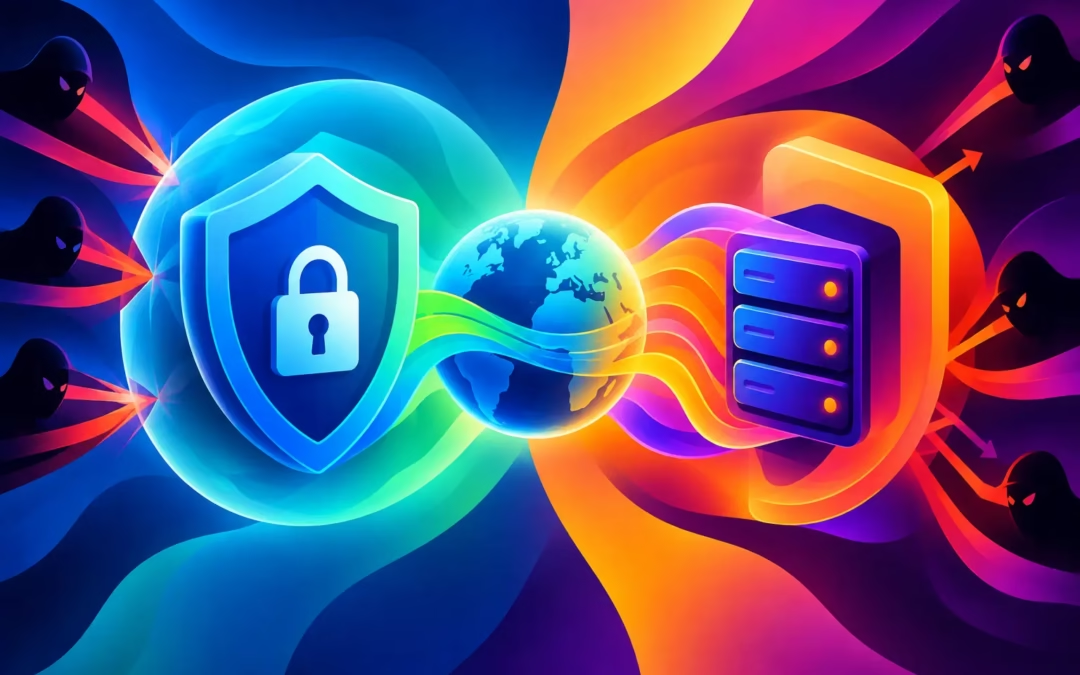
A coffee shop Wi-Fi network can look harmless right up until someone else on that network tries to intercept what you send. That is where the VPN versus proxy question stops being technical jargon and becomes personal: are you simply changing how a website sees you, or are you protecting the data traveling from your device?
Both tools can hide your visible IP address in certain situations. But they work very differently, and choosing the wrong one can leave your browsing, passwords, messages, or payment details more exposed than you expect.
VPN versus proxy: the core difference
A proxy server acts as a middleman between one app or browser and the website you visit. Instead of connecting directly to a site, your request goes to the proxy first. The site sees the proxy’s IP address rather than your own. This can be useful for basic location changes or accessing a page that limits content by region.
A VPN creates an encrypted tunnel between your device and a VPN server. Your internet traffic travels through that tunnel before it reaches the wider internet. It masks your IP address while also making the information moving between your device and the VPN server far harder for outsiders to read.
That distinction matters. A proxy primarily changes the route of a connection. A VPN is designed to protect the connection itself.
If you are using unsecured public Wi-Fi, shopping online, signing in to accounts, messaging friends, or working from a laptop away from home, encryption is not a bonus feature. It is the part that helps turn a risky connection into a private one.
What a proxy can and cannot do
Proxies come in several forms. A web proxy may work only inside a browser tab. A browser extension may route browser traffic but leave every other app on your phone or computer connected normally. SOCKS proxies can support more types of traffic, but they still do not automatically mean your data is encrypted.
A proxy can be a reasonable fit when you need a quick, low-stakes IP change for one specific browser activity. For example, it may help you test how a public webpage appears from another location. Some workplaces and schools also use proxies to manage access through their own networks.
The limitations become clear when privacy is the goal. Many free proxies have unclear ownership, weak security practices, crowded servers, or logging policies that are difficult to verify. Some may inject ads or collect browsing data. And if a proxy only covers your browser, your email app, games, cloud backup, and other device traffic may still reveal your actual IP address.
A proxy also cannot reliably protect you when a connection drops. Your traffic may revert to a normal, unprotected connection without you noticing. That is a serious gap if you are torrenting, handling private information, or browsing on a network you do not trust.
Why a VPN offers broader privacy protection
A quality VPN protects traffic at the device level, not just in one browser window. Once connected, it can cover the apps and services that use your internet connection, depending on your device settings and the VPN protocol in use.
With 256-bit encryption, your traffic is scrambled as it travels through the tunnel. Someone monitoring the local Wi-Fi network may see that you are connected to a VPN, but they should not be able to read the contents of the traffic passing through that encrypted connection. Your internet provider also has less visibility into the sites and services you use than it would with an unprotected connection.
A VPN does not make you invisible or immune to every online threat. If you sign in to a social media account, that platform still knows it is you. If you download malware, encryption will not remove it. If a website collects information through cookies or browser fingerprinting, a VPN alone will not stop all tracking.
What it does provide is a meaningful privacy layer. It helps hide your home IP address from websites, protects data in transit on untrusted networks, and gives you more control over the location your connection appears to come from.
The role of a no-log policy
Privacy depends on more than encryption. The VPN provider itself sits between you and the websites you visit, so its handling of data matters. A stated no-log policy means the service is designed not to retain records of your browsing activity that could be tied back to you.
Read privacy claims carefully. A trustworthy provider should explain its approach in clear language rather than hiding behind vague promises. Affordability should not require giving up control of your online identity.
Why a kill switch matters
VPN connections can occasionally drop because of a weak signal, a device update, or a network change. Without protection, your device may reconnect directly to the internet and expose your real IP address.
A kill switch is built for that moment. It blocks internet traffic when the VPN connection fails, helping prevent accidental exposure until the secure tunnel is restored. It is especially valuable for privacy-sensitive browsing and file sharing, where one brief disconnect can defeat the reason you connected to a VPN in the first place.
VPN vs. proxy for streaming, travel, and public Wi-Fi
For streaming, either tool may change your apparent location, but a VPN is generally the stronger choice for everyday use. Streaming platforms can detect and block certain IP addresses, so success can depend on the service, server availability, and local licensing rules. A fast VPN server gives you a better chance of stable playback without turning every episode into a buffering contest.
When traveling, a VPN can help you access the sites and services you normally use while keeping your connection protected in hotels, airports, and shared accommodations. A proxy may change your location for one task, but it does not provide the same all-around protection for your device.
On public Wi-Fi, the choice is even clearer. A proxy might hide your IP from a website, but it is not a substitute for encrypted traffic. A VPN is designed for the exact problem public hotspots create: other people sharing the same network should not get an easy view of your digital life.
For basic browsing at home, a proxy can be enough if your only aim is to access a particular webpage from a different IP address. For anything involving account logins, payments, work files, personal messages, or repeated use across multiple devices, a VPN is the safer investment.
Speed: is a proxy always faster?
Not necessarily. A proxy can feel faster because it may not encrypt traffic, but that is also why it offers less protection. Encryption adds some processing overhead, and routing traffic through a VPN server can add distance to the journey. Yet a well-managed VPN network with fast servers can keep that slowdown small enough for browsing, streaming, gaming, and video calls.
The bigger speed problem is often an overloaded free proxy. Because many people may share the same server, performance can be unpredictable. Slow loading, broken pages, random disconnections, and aggressive ads are common signs that a free service is costing you in other ways.
Choose a VPN with server locations that suit where you are and where you need to connect. If a nearby server gives you the privacy you need, it will usually offer better speeds than routing your traffic halfway around the world.
When should you choose each one?
Choose a proxy when you have a narrow, low-risk task and only need an IP address change in a specific browser or app. Treat it as a routing tool, not a complete privacy solution.
Choose a VPN when you want encrypted protection across your device, safer public Wi-Fi use, a hidden IP address, support for multiple devices, and safeguards such as a kill switch. That is the better match for people who browse, stream, shop, communicate, and work online every day.
Surf Smart VPN brings those protections into one affordable subscription, with 256-bit encrypted servers, a stated no-log policy, a kill switch, and coverage for up to six devices. A 24-hour free trial gives you a chance to see how private browsing feels before committing.
Your online identity should not be exposed just because you connected from a hotel lobby, opened a streaming app, or checked your bank account on the go. Use a proxy for the occasional simple reroute. For a digital shield that follows you across the internet, choose a VPN and browse worry-free.